Entities
The instances — every field on an entity item, how codes are uniquified, the four view kinds and the composer, and what reaches a game engine.
All documentation — Modelling the world
Boards and the canvas
The node builder
Modelling the world
Variables, logic and commands
Voice and audio
AI
Working together
Project settings
On this page
The Entities section, Ctrl+3. An entity item is one instance of an
entity definition — one character, one item, one location. The definition
decides the shape; this is the content.
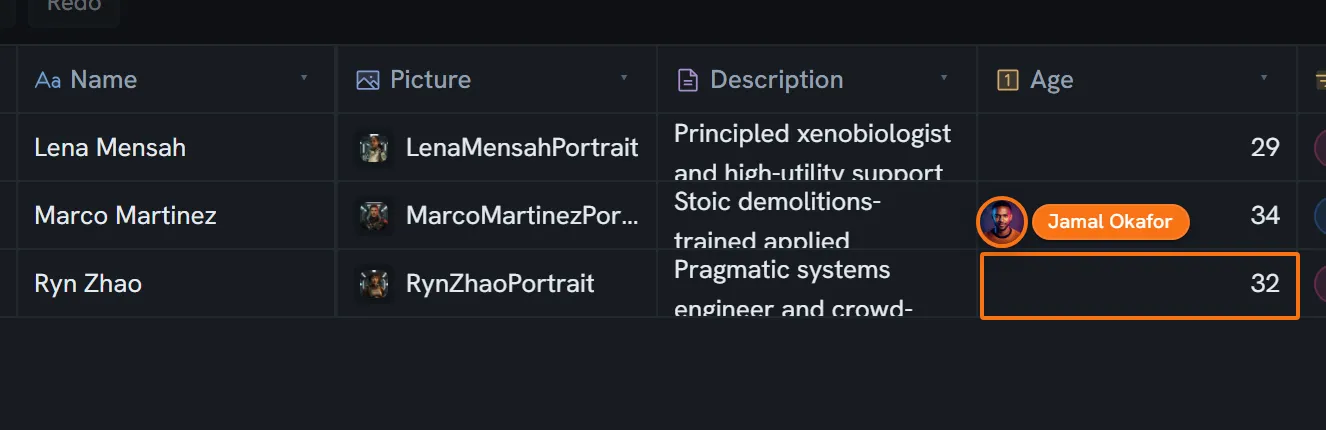
An entity item
| Field | Type | Required | What it is |
|---|---|---|---|
id | string | Yes | |
entityDefinitionId | string | Yes | Which definition. Immutable — an item cannot change its type. |
name | string | Yes | |
code | string | Yes | The identifier expressions and exports use |
description | string | ||
pictureId | string | A media id | |
color | string | #RRGGBB. The header colour of any node using this entity. | |
fieldData | map | Yes | Scalar field values only |
codeFields | map | A plain projection of the collaboratively-edited text fields. Read-only — writing it back does nothing. | |
aiMeta | map | Per-field AI metadata | |
archivedValues | map | Values displaced by a field type change, keyed by field and old type | |
relationships | array | ||
parentId | string or null | Yes | Its folder |
order | number | Yes | |
tagIds | string[] | ||
createdAt · updatedAt · createdBy | Yes |
Folders live in the same collection, distinguished by their own type marker.
The player
One item per project can be the player — the Player switch in the item’s header, beside
its colour. It is not a field on the item: the project keeps one answer (playerEntityId in its
settings), so turning the switch on for another character moves it, and turning it off names
nobody. Node types read it by role — a conversation drawn Player right puts that character’s
lines on the right, whichever character it is in this project — which is what lets a premade type
carry the answer and copy into any project. Deleting the item leaves the project with no player
until another is switched on.
Codes are unique project-wide
A new item’s code is derived from its name and then uniquified with _1, _2 and so on — and the
check scans every item in the project, ignoring case and underscores, not just the items of the same
definition.
A code must match [a-zA-Z_][a-zA-Z0-9_]*.
Codes share one namespace with everything else
An expression resolving a bare name tries variables, entities, contexts and enums before media. A media code equal to a variable code is unreachable. See the expression language.
Views
An entity view is a saved layout for a definition’s items. There are four kinds:
| Kind | What it is |
|---|---|
form | The classic entry form: the item header, then a field grid at the definition’s column count. Created automatically for every new definition and set as the default. |
codex | Auto-derived, no setup: a hero band, then a 2:1 split — the description with a lead paragraph and drop cap on the left, an infobox of scalar values on the right, then tags and reference lists |
sheet | ”Character Sheet”: portrait and title, a badge row, an Attributes grid drawing numeric fields with min and max as meters, then a 2:1 split with a Profile card |
custom | Anything you compose yourself |
All four are seed trees plus a style bundle, never render modes: there is one renderer, and it switches on the block kind, never on the view kind.
Views are per definition, not per item. Every item of a definition shares the set. The item editor shows a dropdown of view names; which one you get is resolved as your last choice in this browser, then the definition’s default, then the first view, then an empty state.
A view stores no data. It binds existing fields by id. Exports, the AI’s context and the Unity plugin read the fields and never touch the views.
Making and composing one
Views are created and edited on the definition’s Views tab, in a WYSIWYG composer that draws with the real renderer over one of your own items. How to use it — the templates, the block catalogue, the gestures and the layout model — is views and the composer.
What a game engine receives
An entity reaches the payload as an EngineEntity, and its definition as an
EngineEntityDefinition. Two things about the values are worth knowing before you design a schema:
- References are already resolved. A tag reference arrives as
{kind: 'tag', id, label}; a media reference as{kind: 'media', mediaId, url}; a command call as{kind: 'command', code, args}. Your game never resolves an id against a table it had to learn. - A tag with no label is absent rather than being given its id as a label. The tag table in the payload is a flat id-to-label map, and the resolver returns nothing rather than fabricating a name.
Rich text is pre-rendered per language. Expressions travel as parsed trees.
What the game side does with all of that is the Unity plugin’s documentation.
Limits
Nothing caps the number of entity items, on any plan — no guard reads such a number, and the constant that once existed for it was deleted because nothing ever enforced it. Entities are not plan-gated: every tier can create, read, update and delete them.
The limit a large world meets is storage per project. It counts the collaborative snapshots of your project as well as your media, so a text-only project consumes it. The figure per plan is on the pricing page.
What breaks
| Situation | What you see |
|---|---|
| A code with a space, dot or leading digit | Refused |
| A code already used by any item in the project | Silently uniquified with _1, _2, … at creation |
A second item on a isUnique definition | Creation is refused |
| A reference whose target was deleted | Missing reference, in destructive italic — distinct from the loading state |
| The definition changed a field’s type | The old value is parked, not lost. Change the type back and it returns. |
| The definition was deleted | Its items are not deleted |
| A media code equal to a variable code | The media is unreachable from an expression — variables resolve first |